
Service 06
AI business dashboards that show what needs your attention today
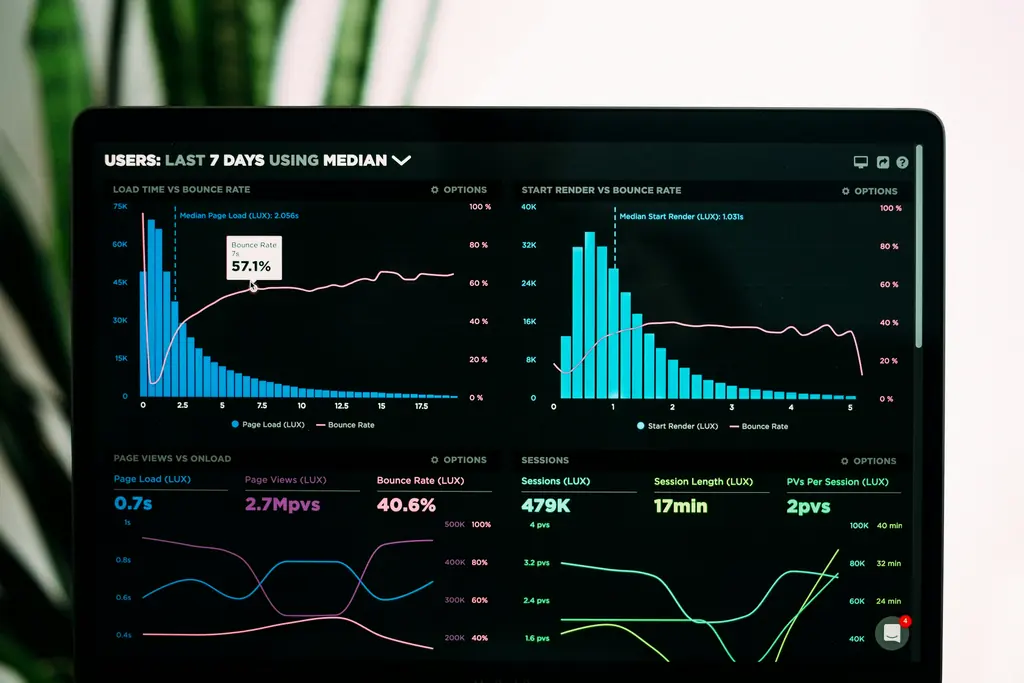
Leads, sales, appointments and marketing in one place, with a short written summary of what changed and why it matters.
The problem
What this solves
The numbers exist, but they live in five different logins. Finding out how last month went means exporting spreadsheets on a Sunday night, so most weeks nobody looks.
The benefit
See leads, sales and marketing in one place, with a short written summary of what changed.
- One screen for the numbers you check most
- A written summary instead of charts you have to interpret
- Stuck quotes and overdue follow-ups surfaced before they go cold
Who benefits
Who this is for
- Owners who log into five tools to answer one question
- Teams that build the same report by hand every Friday
- Businesses that want to know which marketing actually brings customers
Not sure it fits? Ask my AI assistant or book a call(opens in a new tab).
Use cases
Where this helps day to day
Lead tracking
Where each lead came from and what happened next.
Sales reporting
Quotes sent, won, lost and still open.
Marketing analytics
Cost and results by channel in one table.
Customer insights
Repeat customers, average job value and common requests.
Performance summaries
A short weekly note in plain language.
Operational reporting
Jobs scheduled, completed and delayed.
KPI monitoring
Alerts when a number moves outside its normal range.
Business activity summaries
A morning brief of yesterday and today.
Data visualization
Clean charts built for a quick read on a phone.
Automated reports
Reports that arrive by email on your schedule.
Try it yourself
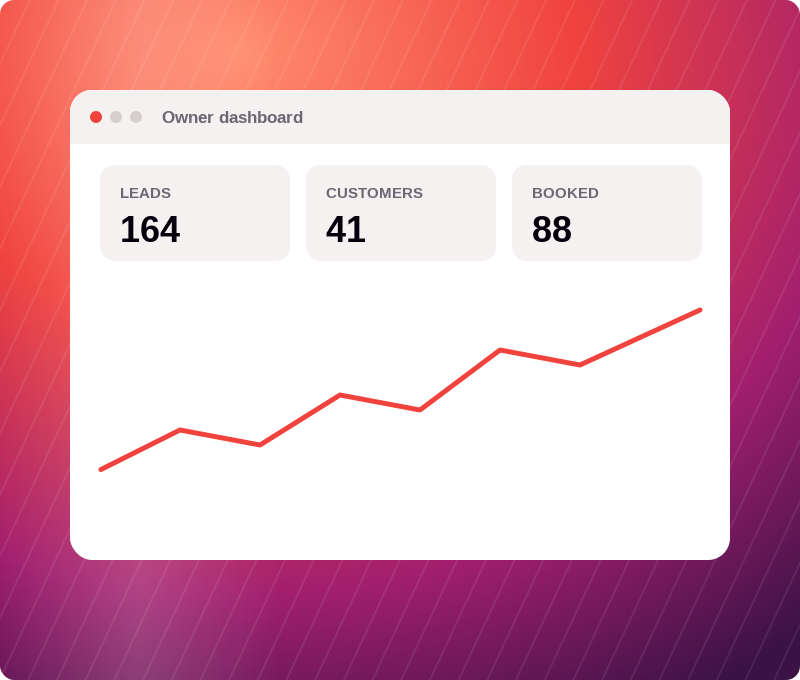
Explore a sample owner dashboard
Sample data for a fictional home services company. Switch the date range, check off follow-ups and ask for a fresh summary.
Implementation
What setting it up involves
Step 1
Agree the handful of numbers that matter
Step 2
Connect your data sources and check they agree
Step 3
Build the dashboard and the weekly summary
Step 4
Walk through it together and refine
Deliverables
What you receive
- A dashboard connected to the data sources you approve
- Agreed definitions for each metric so the numbers are trusted
- A weekly summary by email
- A walkthrough for you and anyone else who needs access
After launch
Once it is live
Dashboards are only useful if the data stays accurate. I check connections after launch, correct mismatches and adjust the layout once you have used it for a few weeks.
Straight answers
What it can and cannot do
It can
- Bring several sources into one view
- Highlight changes and items needing attention
- Send a plain-language summary on schedule
It cannot
- Fix data that is wrong at the source
- Connect to tools that offer no export or API access
- Replace an accountant or financial adviser
Questions
Business Dashboards & Reporting, answered plainly
Have a question that is not here? Ask my AI assistant, which can also pass your details to me.
Related services:
What is an AI business dashboard?
It is a single screen that pulls key numbers from your tools, such as your CRM, calendar and ad accounts, and adds an AI-written summary that explains what changed. The summary is generated from your data and should always be read alongside the figures.
Do I need clean data first?
It helps, but few small businesses start there. Part of the project is agreeing what each number means and fixing the most important gaps. I will tell you plainly if a metric cannot be trusted yet.
Which tools can a dashboard connect to?
Most popular CRMs, spreadsheets, ad platforms and booking tools offer a connection. I verify each source during planning rather than assuming.
Next step
Talk through business dashboards & reporting for your business
Tell me a little about how you work today. I will reply with honest thoughts on whether this service is the right place to start.
- A 30-minute video call, no charge
- You talk to the consultant, not a sales team
- A written summary of ideas afterward, yours to keep